

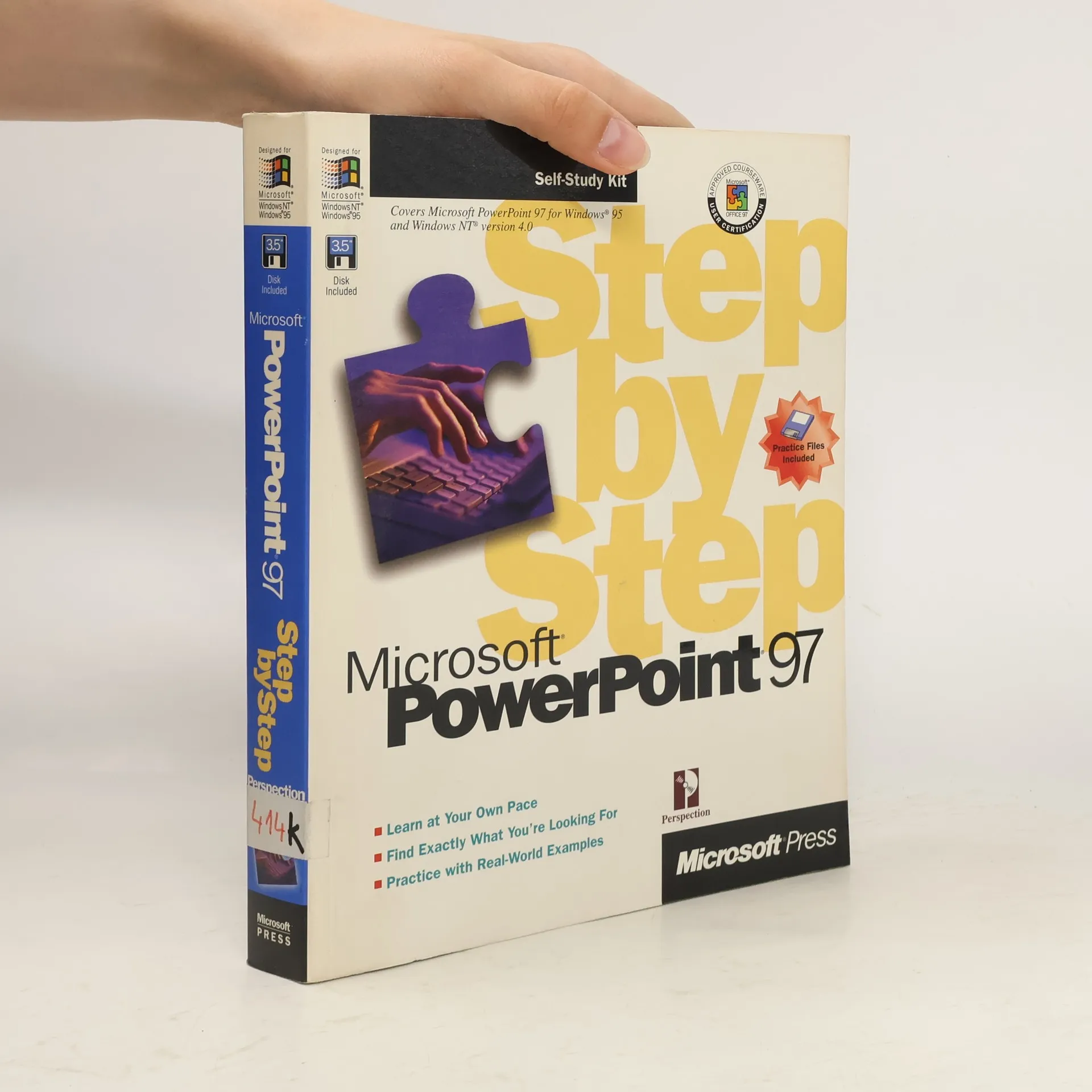
Microsoft PowerPoint 97 Step by Step
Auteurs
- Collectif d'auteurs
En savoir plus sur le livre
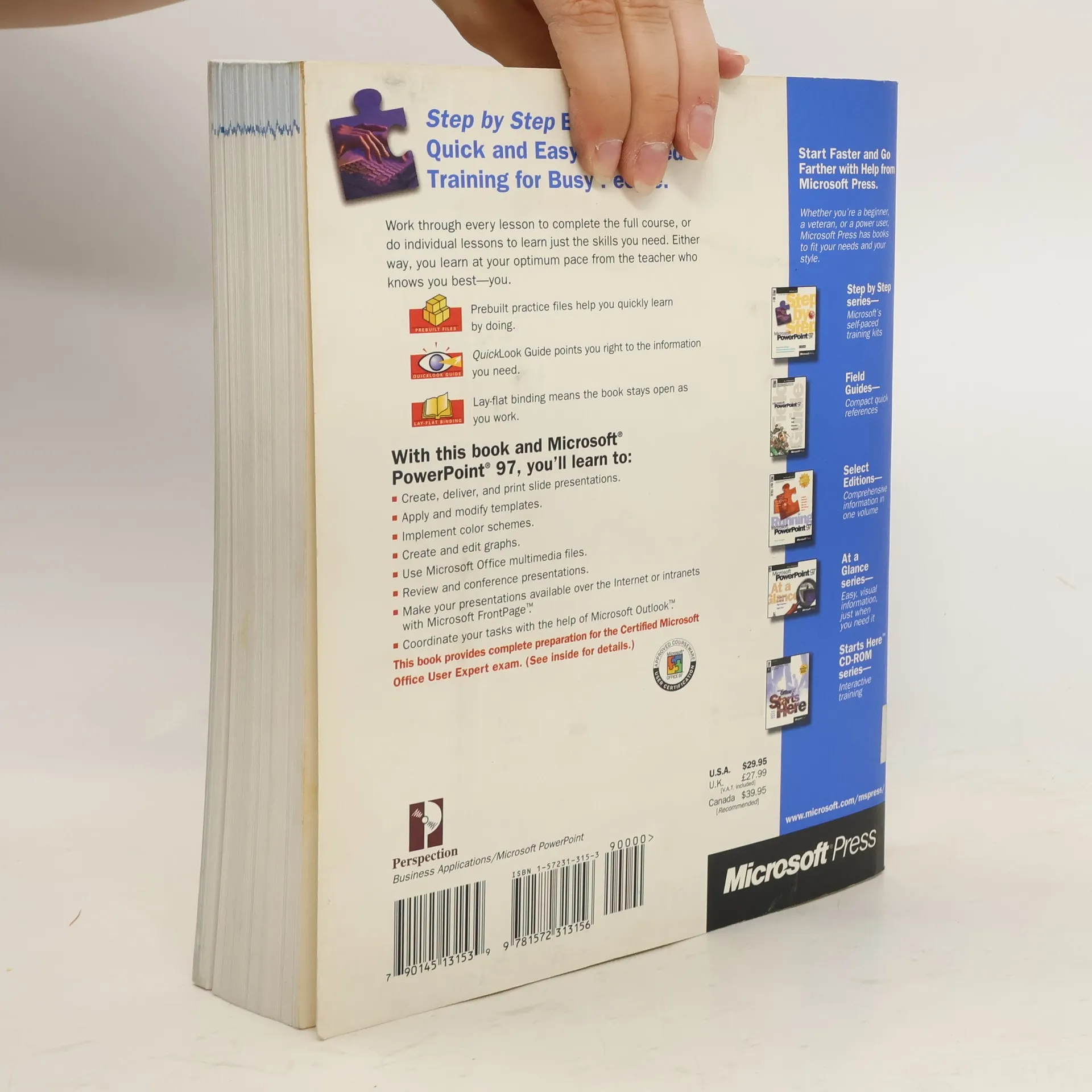
Work through every lesson to complete the full course, or do individual lessons to learn just the skills you need. Either way, you learn at your optimum pace from the teacher who knows you best -- you.Prebuilt practice files help you quickly learn by doing.QuickLook Guide points you right to the information you work.Lay-flat binding means the book stays open as you work.With this book and Microsoft"RM" PowerPoint"RM" 97, you'll learn to:- Create, deliver, and print slide presentations.-Apply and modify templates.- Implement color schemes.- Create and edit graphs.- Use Microsoft Office multimedia files.- review and conference presentations.- Make your presentations available over the Internet or intranets with Microsoft FrontPage"TM".- Coordinate your tasks with the help of Microsoft Outlook"TM".
Achat du livre
Microsoft PowerPoint 97 Step by Step, Collectif d'auteurs
- Langue

- Année de publication
- 1996
- Reliure
- (souple)
Modes de paiement
Personne n'a encore évalué .
- Titre
- Microsoft PowerPoint 97 Step by Step
- Langue
- Anglais
- Auteurs
- Collectif d'auteurs
- Éditeur
- Microsoft Press
- Publié
- 1996
- Format
- souple
- Pages
- 323
- ISBN10
- 1572313153
- ISBN13
- 9781572313156
- Séries
- Mots clés
- PowerPoint
- Description
- Work through every lesson to complete the full course, or do individual lessons to learn just the skills you need. Either way, you learn at your optimum pace from the teacher who knows you best -- you.Prebuilt practice files help you quickly learn by doing.QuickLook Guide points you right to the information you work.Lay-flat binding means the book stays open as you work.With this book and Microsoft"RM" PowerPoint"RM" 97, you'll learn to:- Create, deliver, and print slide presentations.-Apply and modify templates.- Implement color schemes.- Create and edit graphs.- Use Microsoft Office multimedia files.- review and conference presentations.- Make your presentations available over the Internet or intranets with Microsoft FrontPage"TM".- Coordinate your tasks with the help of Microsoft Outlook"TM".